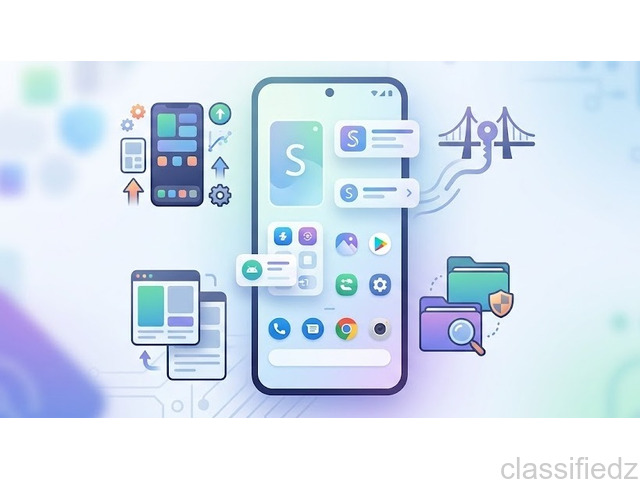
Android phones can do much more than the basic tasks most people use them for. There are apps for changing the way games look, managing files, editing APK packages, and giving supported applications access to certain Android system functions. Here are three apps that fit into these different area are Mojo Launcher, Shizuku, and MT Manager. They are not replacements for one another, but each one can be useful for a different type of Android user. App Name: Mojo Launcher & Skins Published By: Artdeell Category: Tools Mojo Launcher APK gives you a simple way to browse and manage different game-inspired skins on your Android device. The app includes skin categories, search, favourites, recently added skins, and a download manager, so users do not have to find other places for the skin they want. The interface is built around browsing rather than complicated settings. Mainly, players use Mojo Launcher for playing any Java-based games on their phone. Other launchers are difficult or may not work properly, but the Mojo Launcher APK is very easy to use, has a simple interface, and works on all Java-based games. Here are some useful features available in the app include: Open source Lightweight design Custom touch controls Java edition support Ad-free launching Mojo Launcher is the perfect choice for users who want to play Java-based games on Android devices. You can do everything from playing a fully modded version to reliving one of the first versions of the classic Minecraft Java edition. It’s completely your choice how you want to play. App Name: Shizuku Published By: Xingchen Rikka Category: Tools Shizuku APK is a free tool for Android users that helps Android users who rely on advanced tools that need higher privileges to work consistently. It works as a service for Android apps that need root or ADM-related access. Instead of being a regular file manager or customization app, it helps supported applications use Android system APIs through the shizuku service. Its aim is to simplify the process so users can easily interact with system-level features while maintaining security. Wireless ADB support Speed and stability Binder-based API system Unified Permission Management Developer-friendly integration Developers can access the source code and comprehensive guides to integrate Shizuku into their applications for further enhancements. App Name: MT Manager Published By: Lin Jin Bin Category: Tools MT Manager allows users to customize and modify any app that is available on their Android device. It lets you access various app editing tools, like the XML editor, .dex editor, and ARSC editor. One of the things that makes MT Manager different from a basic file manager is its dual-window layout. You can work with two directories at the same time, which can make copying and moving files easier. MT Manager combines a file manager with tools for working with APKs, archives, and other Android files. Dual-window file management APK editing ZIP and other archive support DEX and Smali tools XML and ARSC editing Remote Connections Integrating various utilities As described above, you can edit, delete, move, and copy files from your file manager. The more advanced functions are better suited to users who already understand Android files and APK structure. Although all three apps are related to Android utilities, their purposes are quite different. Mojo Launcher is mainly about finding and managing game-inspired skins. Shizuku works as a service that supported apps can use for certain Android system operations. The MT manager focuses more on file management and working with APK packages. That means you would normally use them for different tasks rather than choosing one as an alternative to the others. Mojo Launcher, Shizuku, and MT Manager all serve different purposes, but they have one thing in common: they give Android users more options than the standard tools available on the phone. Android gives users freedom to customize their devices and handle tasks that are not always possible with the default tools. The right utility can make things much easier, especially when you need more control over files, apps, or device settings. Before using any third-party Android tool, always check its source, compatibility, permissions, and Android version requirements.Mojo Launcher
Main Features of Mojo Launcher
Shizuku APK
Main Features of Shizuku APK
MT Manager
Main Features of MT Manager
How These Apps Are Different
Final Thoughts
- Published date: September 22, 2026
- Region: Gujarat
- Views: 12
 |
 |
Useful information
- Avoid scams by acting locally or paying with PayPal
- Never pay with Western Union, Moneygram or other anonymous payment services
- Don't buy or sell outside of your country. Don't accept cashier cheques from outside your country
- This site is never involved in any transaction, and does not handle payments, shipping, guarantee transactions, provide escrow services, or offer "buyer protection" or "seller certification"